Dokumentasi API Ekstraksi Data QRIS: Otomatisasi Pembacaan Bukti Bayar
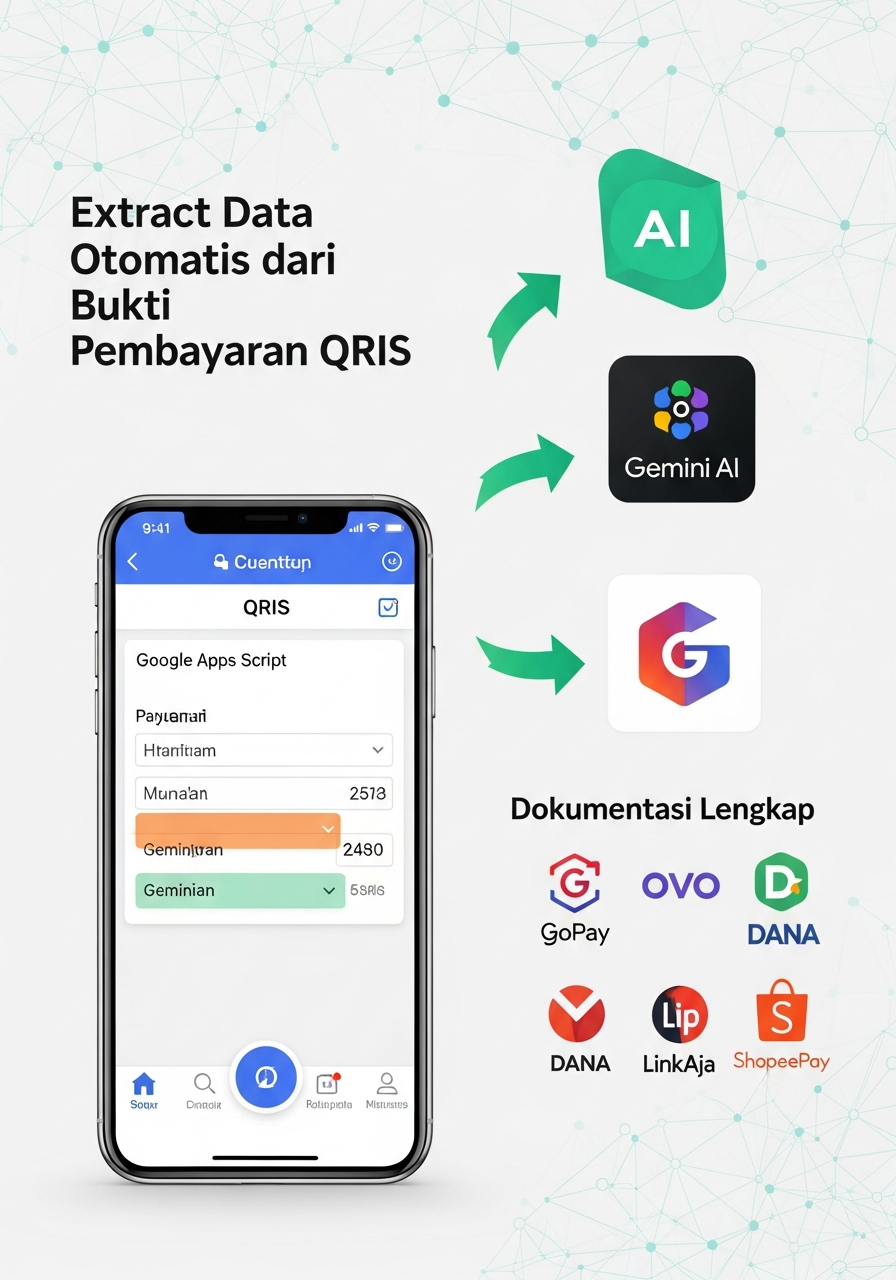
API Ekstraksi Data QRIS - Dokumentasi Lengkap
Gambaran Umum
API ini dibangun menggunakan Google Apps Script dan memanfaatkan Gemini AI untuk mengekstrak data dari bukti pembayaran QRIS Indonesia. API dapat menganalisis gambar bukti pembayaran dari berbagai platform seperti GoPay, DANA, OVO, BCA Mobile, dan aplikasi e-wallet lainnya.
Informasi Dasar
- Versi: 2.0.0
- Base URL:
https://script.google.com/macros/s/{SCRIPT_ID}/exec - Format Response: JSON
- Supported Image Formats: JPEG, PNG, WebP
- Maximum File Size: 10MB
- AI Engine: Google Gemini 2.0 Flash
Authentication
API ini menggunakan API Key Google Gemini yang sudah dikonfigurasi dalam script. Tidak diperlukan authentication tambahan untuk menggunakan endpoint public.
Endpoints
1. Health Check
GET /
Mengecek status API dan konektivitas sistem.
Response Example:
{
  "status": "success",
  "message": "API Ekstraksi Data QRIS sedang berjalan",
  "version": "2.0.0"
}
2. Process QRIS Payment Receipt
POST /
Memproses gambar bukti pembayaran QRIS dan mengekstrak data transaksi.
Parameters:
action(string, required): "process-qris"fileData(string, required): Base64 encoded image datafileName(string, required): Nama file dengan ekstensimimeType(string, required): MIME type gambar
Request Example (Form Data):
curl -X POST "https://script.google.com/macros/s/{SCRIPT_ID}/exec" \
  -H "Content-Type: application/x-www-form-urlencoded" \
  -d "action=process-qris&fileData=iVBORw0KGgoAAAANS...&fileName=qris_receipt.jpg&mimeType=image/jpeg"
Request Example (JSON):
curl -X POST "https://script.google.com/macros/s/{SCRIPT_ID}/exec" \
  -H "Content-Type: application/json" \
  -d '{
    "action": "process-qris",
    "fileData": "iVBORw0KGgoAAAANS...",
    "fileName": "qris_receipt.jpg",
    "mimeType": "image/jpeg"
  }'
Success Response (200):
{
  "status": "success",
  "code": 200,
  "data": {
    "original": {
      "fileUrl": "https://drive.google.com/file/d/1abc123/view",
      "fileName": "qris_receipt.jpg",
      "mimeType": "image/jpeg",
      "uploadedAt": "2025-06-24T12:00:00.000Z"
    },
    "analysis": {
      "raw": "Nomor Referensi: 050312751152\nStatus Transaksi: Berhasil\nNama Merchant: DE CLASSE GELATO & COFFEE\n...",
      "parsed": {
        "status": "success",
        "nomor_referensi": "050312751152",
        "status_transaksi": "Berhasil",
        "nama_merchant": "DE CLASSE GELATO & COFFEE",
        "nama_customer": "PANGSIT MIE AYAM RAMAYANA",
        "total_pembayaran": "48000",
        "tanggal_waktu": "08 Jun 2025 17:03:22",
        "metode_pembayaran": "QRIS",
        "bank_provider": "BCA",
        "merchant_id": "936000201061574755",
        "customer_pan": "936000141003534731",
        "terminal_id": "10615747",
        "rrn": "178058440",
        "acquirer_name": "Bank Syariah Indonesia",
        "lokasi_merchant": "BLITAR KOT., 66133, ID",
        "keterangan": "Pembayaran QRIS"
      }
    }
  }
}
Not QRIS Response (200):
{
  "status": "success",
  "code": 200,
  "data": {
    "original": {
      "fileUrl": "https://drive.google.com/file/d/1abc123/view",
      "fileName": "document.jpg",
      "mimeType": "image/jpeg",
      "uploadedAt": "2025-06-24T12:00:00.000Z"
    },
    "analysis": {
      "raw": "Dokumen ini bukan bukti pembayaran QRIS",
      "parsed": {
        "status": "not_qris",
        "message": "Dokumen yang diberikan bukan merupakan bukti pembayaran QRIS"
      }
    }
  }
}
3. API Documentation
POST /
Mendapatkan dokumentasi API dalam format JSON.
Parameters:
action(string, required): "docs"
Response Example:
{
  "api_name": "API Ekstraksi Data QRIS",
  "version": "2.0.0",
  "description": "API untuk menganalisis dan mengekstrak data dari bukti pembayaran QRIS Indonesia",
  "endpoints": [...],
  "examples": {...}
}
4. Health Status
POST /
Mengecek status kesehatan sistem secara detail.
Parameters:
action(string, required): "health"
Response Example:
{
  "status": "success",
  "code": 200,
  "health": {
    "api_status": "healthy",
    "gemini_ai": "connected",
    "spreadsheet": "accessible",
    "drive_folder": "accessible",
    "sheets_count": 3,
    "timestamp": "2025-06-24T12:00:00.000Z"
  }
}
Data Fields Yang Diekstrak
Field Deskripsi Contoh nomor_referensi Nomor unik transaksi "050312751152" status_transaksi Status transaksi "Berhasil", "Gagal" nama_merchant Nama merchant/toko "DE CLASSE GELATO & COFFEE" nama_customer Nama customer (jika ada) "PANGSIT MIE AYAM RAMAYANA" total_pembayaran Jumlah pembayaran (angka) "48000" tanggal_waktu Waktu transaksi "08 Jun 2025 17:03:22" metode_pembayaran Metode pembayaran "QRIS", "Transfer" bank_provider Bank/Provider "BCA", "GoPay", "DANA" merchant_id ID merchant "936000201061574755" customer_pan Customer PAN "936000141003534731" terminal_id Terminal ID "10615747" rrn Reference Retrieval Number "178058440" acquirer_name Nama acquirer "Bank Syariah Indonesia" lokasi_merchant Lokasi merchant "BLITAR KOT., 66133, ID" keterangan Keterangan tambahan "Pembayaran QRIS" Error Responses
400 Bad Request
{
  "status": "error",
  "message": "Parameter wajib tidak ada: fileData, fileName, dan mimeType harus disediakan",
  "code": 400,
  "required_fields": ["fileData", "fileName", "mimeType"]
}
500 Internal Server Error
{
  "status": "error",
  "message": "Gemini API error: 429 - Too Many Requests",
  "code": 500,
  "timestamp": "2025-06-24T12:00:00.000Z"
}
Supported Payment Platforms
API ini dapat memproses bukti pembayaran dari platform berikut:
- E-Wallets: GoPay, DANA, OVO, ShopeePay, LinkAja
- Mobile Banking: BCA Mobile, Mandiri Online, BRI Mobile, BNI Mobile
- Digital Banks: Jenius, Digibank, TMRW
- Payment Gateways: Midtrans, Xendit, iPaymu
Data Storage
Google Sheets Structure
API menyimpan data ke 3 sheet dalam Google Spreadsheet:
1. Sheet "data_qris"
Menyimpan data transaksi yang berhasil diekstrak:
Timestamp | File Name | File URL | Nomor Referensi | Status Transaksi | Nama Merchant | ... (semua field data)
2. Sheet "metadata"
Menyimpan metadata semua file yang diproses:
Timestamp | FileName | FileID | FileURL | Description | IsQRIS
3. Sheet "log"
Menyimpan log aktivitas API:
Timestamp | Action | Message | Level
Google Drive Storage
Semua gambar yang diupload disimpan dalam folder Google Drive dengan ID yang dikonfigurasi.
Rate Limiting
- Gemini AI: Mengikuti rate limit Google Gemini API
- Google Apps Script: Maksimal 6 menit execution time per request
- File Size: Maksimal 10MB per file
CORS Support
API mendukung CORS dengan header berikut:
Access-Control-Allow-Origin: *
Access-Control-Allow-Methods: GET, POST, OPTIONS
Access-Control-Allow-Headers: Content-Type
JavaScript SDK Example
class QRISExtractorAPI {
  constructor(apiUrl) {
    this.apiUrl = apiUrl;
  }

  async processQRIS(file) {
    const base64Data = await this.fileToBase64(file);

    const formData = new FormData();
    formData.append('action', 'process-qris');
    formData.append('fileData', base64Data);
    formData.append('fileName', file.name);
    formData.append('mimeType', file.type);

    try {
      const response = await fetch(this.apiUrl, {
        method: 'POST',
        body: formData
      });

      const result = await response.json();
      return result;
    } catch (error) {
      throw new Error(`API Error: ${error.message}`);
    }
  }

  async fileToBase64(file) {
    return new Promise((resolve, reject) => {
      const reader = new FileReader();
      reader.readAsDataURL(file);
      reader.onload = () => {
        const base64 = reader.result.split(',')[1];
        resolve(base64);
      };
      reader.onerror = error => reject(error);
    });
  }

  async getHealth() {
    const response = await fetch(this.apiUrl, {
      method: 'POST',
      headers: {
        'Content-Type': 'application/x-www-form-urlencoded',
      },
      body: 'action=health'
    });

    return response.json();
  }
}

// Usage
const api = new QRISExtractorAPI('https://script.google.com/macros/s/{SCRIPT_ID}/exec');

// Process QRIS receipt
const fileInput = document.getElementById('fileInput');
fileInput.addEventListener('change', async (e) => {
  const file = e.target.files[0];
  if (file) {
    try {
      const result = await api.processQRIS(file);
      console.log('Extraction Result:', result);
    } catch (error) {
      console.error('Error:', error);
    }
  }
});
Python SDK Example
import requests
import base64
import json

class QRISExtractorAPI:
    def __init__(self, api_url):
        self.api_url = api_url

    def process_qris(self, file_path):
        with open(file_path, 'rb') as file:
            file_data = base64.b64encode(file.read()).decode('utf-8')

        payload = {
            'action': 'process-qris',
            'fileData': file_data,
            'fileName': file_path.split('/')[-1],
            'mimeType': self._get_mime_type(file_path)
        }

        response = requests.post(self.api_url, data=payload)
        return response.json()

    def _get_mime_type(self, file_path):
        if file_path.lower().endswith(('.jpg', '.jpeg')):
            return 'image/jpeg'
        elif file_path.lower().endswith('.png'):
            return 'image/png'
        elif file_path.lower().endswith('.webp'):
            return 'image/webp'
        else:
            return 'image/jpeg'  # default

    def get_health(self):
        payload = {'action': 'health'}
        response = requests.post(self.api_url, data=payload)
        return response.json()

# Usage
api = QRISExtractorAPI('https://script.google.com/macros/s/{SCRIPT_ID}/exec')

# Process QRIS receipt
result = api.process_qris('/path/to/qris_receipt.jpg')
print(json.dumps(result, indent=2, ensure_ascii=False))
Troubleshooting
Common Issues
- File too large
- Error: "Request entity too large"
- Solution: Compress image or use smaller file size
- Unsupported file format
- Error: "Tipe file tidak didukung"
- Solution: Convert to JPEG, PNG, or WebP
- Invalid base64 data
- Error: "Error processing image"
- Solution: Ensure proper base64 encoding
- Gemini API quota exceeded
- Error: "API error: 429"
- Solution: Wait and retry, or upgrade API quota
Debug Mode
Untuk debugging, periksa sheet "log" di Google Spreadsheet untuk melihat detail error dan alur eksekusi.
Changelog
v2.0.0 (Current)
- ✅ Migrasi dari ekstraksi KTP ke QRIS
- ✅ Support multiple payment platforms
- ✅ Enhanced error handling
- ✅ CORS support
- ✅ Health check endpoint
- ✅ Improved data parsing
- ✅ Better logging system
v1.0.0
- ✅ Initial KTP extraction functionality
- ✅ Basic Gemini AI integration
- ✅ Google Drive storage
Support
Untuk pertanyaan atau masalah teknis, silakan periksa:
- Log System: Cek sheet "log" untuk detail error
- Health Check: Gunakan endpoint
/healthuntuk status sistem - Documentation: Gunakan endpoint
/docsuntuk info terbaru
License
API ini dibuat untuk keperluan ekstraksi data administratif dan harus digunakan sesuai dengan ketentuan privasi dan keamanan data yang berlaku.